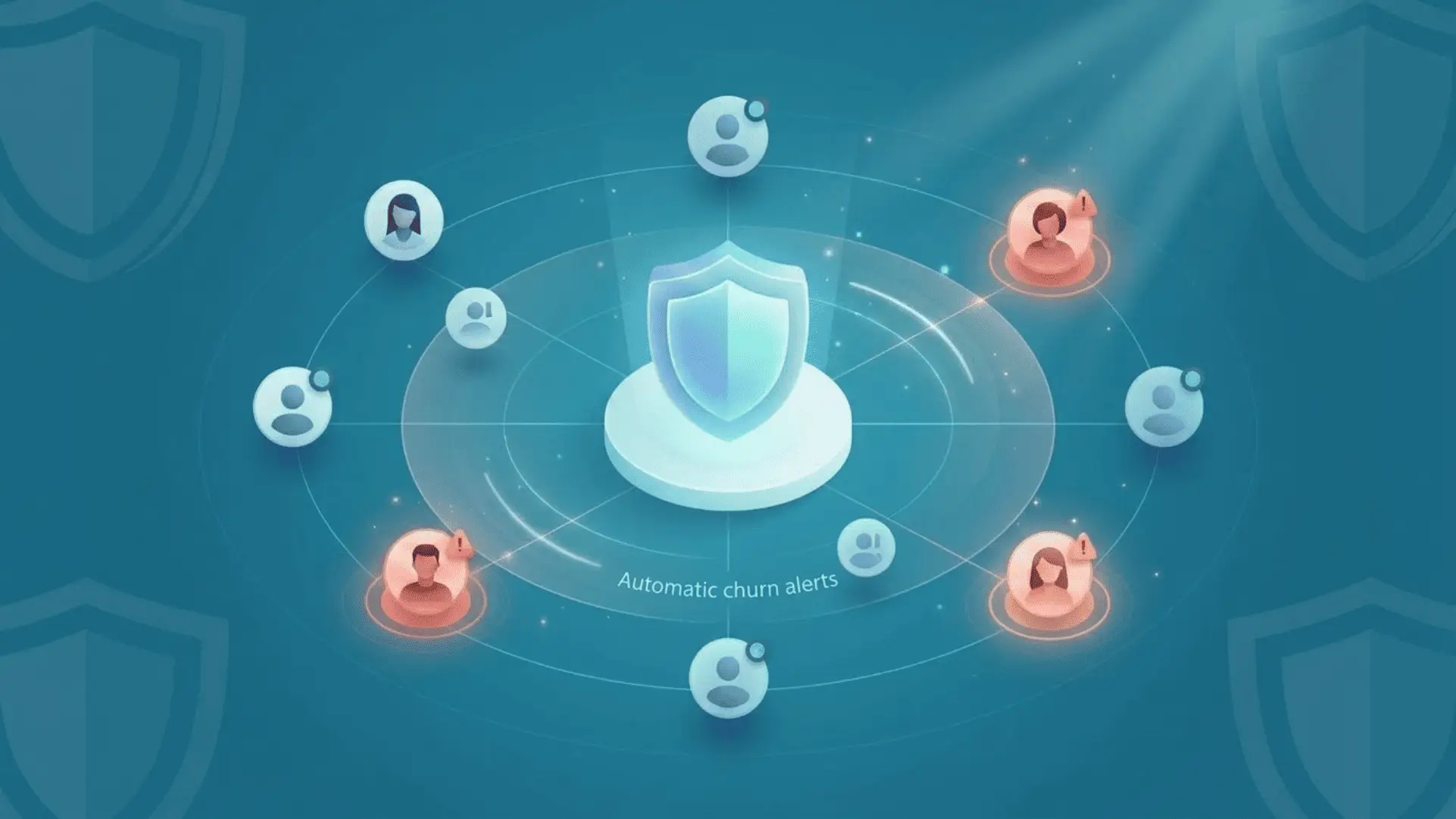
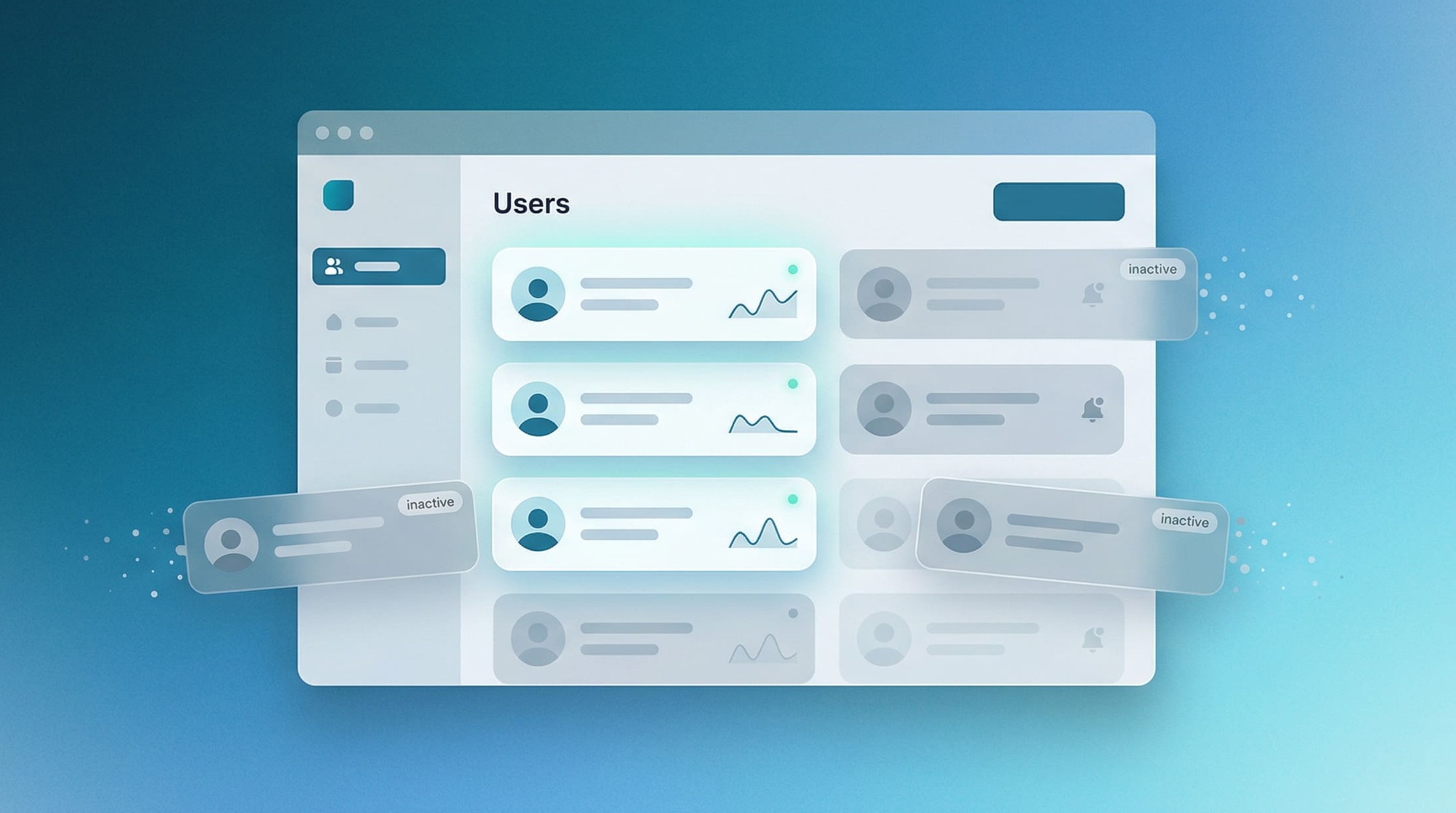
Between 20% and 50% of your SaaS customers are no longer logging in. They haven’t canceled their subscriptions; they’ve simply stopped using your product. And with every day that passes without a follow-up, the likelihood that they’ll stay decreases a little more.
In this article, you’ll find the real reasons behind inactivity and 4 ready-to-use email templates to effectively reach out to your inactive customers.
Why your customers become inactive (and what it really costs)
Inactivity isn’t a coincidence: the 4 main causes
A SaaS customer’s inactivity is rarely due to a single cause. Studies on customer reactivation consistently identify the same factors:
- Incomplete onboarding: the customer never reached their first moment of value. They signed up, opened the tool once or twice, and never came back.
- A declining perceived value: The customer used to actively use your product, but then began to feel that it no longer offered much value in their daily life.
- An internal change: a new organizational structure, a new manager, shifting priorities. Your tool has taken a back seat without you ever consciously deciding to let it go.
- An unresolved issue: a bug, a glitch, a missing feature. The customer gave up without complaining, because complaining takes energy.
In any case, the common thread is the same: inactivity precedes churn. An inactive customer hasn’t decided to leave yet, which means there’s still time to take action.
What the data shows: How long before an inactive customer leaves?
The industry data is clear: between 20% and 50% of SaaS customer bases consist of inactive customers. And the longer the inactivity lasts, the lower the likelihood of reactivation. After 60 days without a login, an inactive customer is significantly less likely to become active again than a customer who is re-engaged within the first 14 days.
💡 Key takeaway: The optimal window for re-engaging inactive customers is between 7 and 30 days, depending on your type of SaaS. After 60 days, reactivation rates drop sharply.
The actual cost of an inactive customer vs. the cost of a follow-up
An inactive customer no longer generates value, but continues to affect your metrics. Their MRR is still counted, but their usage is dropping, as is their theoretical NPS, and their likelihood of churning at the next billing cycle is increasing.
On the other hand, reaching out to inactive customers via email costs almost nothing in terms of time or budget, and can reactivate a significant portion of your dormant accounts. It is one of the most cost-effective retention strategies available.
In fact, this is one of the key takeaways from our article on why retaining a customer costs five times less than acquiring a new one.
How to identify and segment your inactive customers
Set your inactivity threshold based on your SaaS type
There is no universal definition of an inactive customer. It all depends on the typical frequency of use for your product. An accounting tool accessed once a month does not have the same usage pattern as a communication tool used several times a day.
| Type of SaaS | Recommended inactivity threshold |
|---|---|
| Everyday use (HR tool, productivity) | 7 to 10 days without internet access |
| Weekly use (reporting, analytics) | 21 to 30 days without an internet connection |
| Monthly usage (billing, compliance) | 45 to 60 days without an internet connection |
| For promotional use (campaigns, recruitment) | 90 days without taking key action |
Warning signs of inactivity
Before a customer becomes truly inactive, several warning signs appear. Detecting them early allows you to take action before disengagement sets in:
- Gradual decline in the number of connections (-30% over two weeks)
- Reduction in the number of features used (users now use only 1 or 2 out of 10 features)
- No response to product emails (newsletters, release notes)
- Support ticket open and unresolved for more than 7 days
- Change to a lower level
By cross-referencing these signals, we can identify at-risk customers before they reach the inactivity threshold and tailor follow-up communications accordingly.
Segment your inactive customers to personalize your follow-ups
Not all follow-ups are created equal. A customer who hasn’t been active for 10 days doesn’t need the same message as one who hasn’t been active for 45 days. Here is the recommended segmentation:
- Recent inactivity (less than 14 days): gentle follow-up, light tone, goal: re-engagement.
- Moderate inactivity (14 to 30 days): reiterate the value, highlight the concrete benefits, and offer assistance.
- Long-term inactivity (more than 30 days): final reminder, moderate urgency, alternative proposed.
- High-value customers (high MRR or long tenure): personalized emails, sent manually, in a friendly tone.
4 email templates for reaching out to inactive customers
Model 1 – Gentle resumption (inactivity < 14 days)
Template 2 – Value follow-up (Inactive for 14 to 30 days)
Template 3 – Final reminder (inactive for more than 30 days)
Template 4 – Personalized email for high-value customers (manually sent)
If the customer doesn’t respond to your reminders and the payment fails by the due date, our 5 failed payment email templates will take over.
How to maximize your response rates
The right timing: When to send each follow-up
Timing is just as important as content. Here are a few guidelines to follow:
- Send it early in the week (Tuesday or Wednesday), between 9 a.m. and 11 a.m. The open rates are significantly higher than on weekends.
- Trigger emails based on user behavior, not on a fixed schedule. An email sent 14 days after the last login is more relevant than one sent on the 15th of every month.
- Don’t follow up more than three times. Any more than that, and you risk losing subscribers and being reported for spam.
- Space out follow-ups by at least 7 days to avoid overwhelming recipients.
The mistakes that are killing your open rates
- A generic subject line like “We have a new offer for you”: no reason to click.
- An email that’s too long with multiple CTAs: the customer doesn’t know what to do.
- A tone that makes someone feel guilty (“You haven’t been back in X days…”) is counterproductive.
- An email without personalization: everyone gets the same message, and it shows.
- A CTA that does not correspond to the probable cause of the inactivity.
Personalization and segmentation: going beyond just the first name
A first name alone is no longer enough. What will make the difference in re-engaging inactive customers in 2026 is contextual personalization: mentioning the customer’s most recent action within the platform, highlighting a new feature that addresses their specific needs, or offering assistance tailored to their usage profile.
This requires cross-referencing your product usage data with your customer data. It is precisely this type of cross-referencing that allows you to move from a generic follow-up message to one that feels as though it was written specifically for that particular customer.
Automate your follow-ups without losing the human touch
When to automate and when to intervene manually
Templates 1, 2, and 3 in this article are designed to be automated. They can be triggered by a simple event (no login activity for X days) and can be set up in less than an hour in your email marketing tool.
Model 4, on the other hand, should remain manual. It is reserved for your high-value customers (high MRR, long tenure), and its effectiveness lies precisely in the fact that it does not resemble an automated email.
Cross-reference inactivity signals with your other data
A follow-up based solely on inactivity may overlook crucial information. A customer who no longer uses your app but whose payment has just failed does not fit the same profile as a customer who is simply inactive. The former likely has a financial issue or a change in priorities. The latter may just be on vacation.
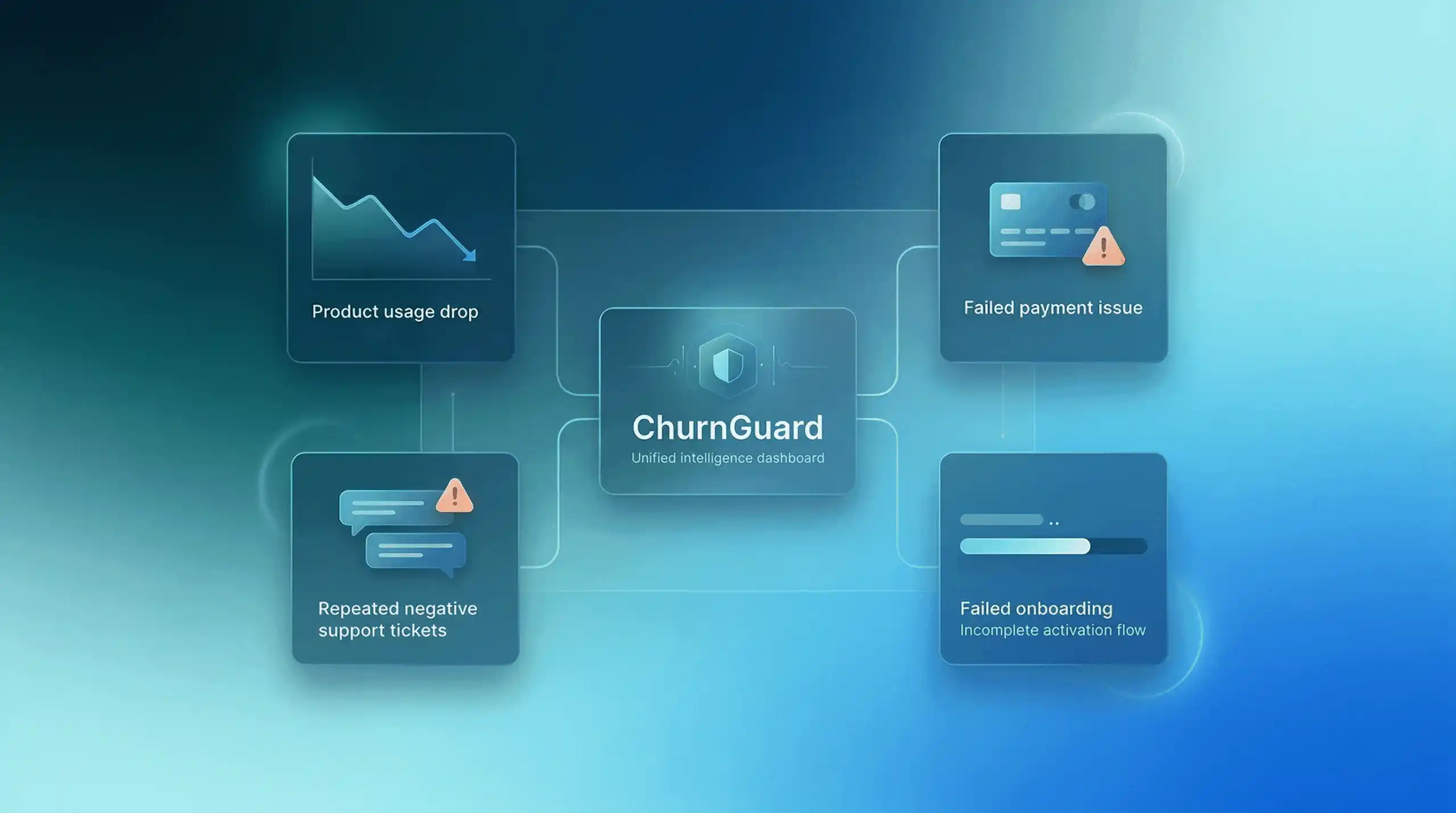
By cross-referencing usage, payment, and support data, you can tailor your message to address the actual cause of inactivity. That’s what ChurnGuard does: connect your billing system, product database, and support system in just a few minutes, and ChurnGuard automatically identifies your at-risk customers, ranks them by urgency, and tells you what to do to maximize your chances of retaining them.
From manual follow-up to proactive detection
Reaching out to inactive customers via email is a good first step. But the real question isn’t “How should we reach out to them?”, it’s “Why did they become inactive, and how can we prevent that from happening next time?”
To learn more about the root causes of inactivity and long-term retention strategies, check out our article: How to Reduce Churn in 2026: 5 Key Strategies.
So, where do I start?
You now have four email templates for reaching out to inactive customers, a method for segmenting them, and guidelines for maximizing your response rates.
Start by identifying your inactive customers based on the threshold that best suits your type of SaaS. Set up Templates 1 and 2 as automated workflows in your email marketing tool. Reserve Template 4 for your priority accounts.
✅ An inactive customer isn't a lost customer. It's a customer waiting for the right reason to come back.