Every month, customers leave you without really wanting to.
Their card has expired, a payment was declined, or an account has been frozen. None of this has anything to do with your product or their satisfaction. Yet without prompt follow-up, these payment issues can lead to actual cancellations.
This is known as involuntary churn. According to PayPro Global, it accounts for up to 40% of total SaaS attrition. However, it is the type of churn that is easiest to recover from, provided you have the right failed payment email templates and send them at the right time.
In this article, you’ll find 5 ready-to-use templates tailored to every stage of the collection process, from the initial incident to the final step.
Why payment reminder emails are your best tool for customer retention
The 72-hour rule
A failed payment that isn’t addressed within the first 72 hours is significantly less likely to be recovered. After that time, the customer has had time to notice the service interruption, get used to doing without it, or look elsewhere.
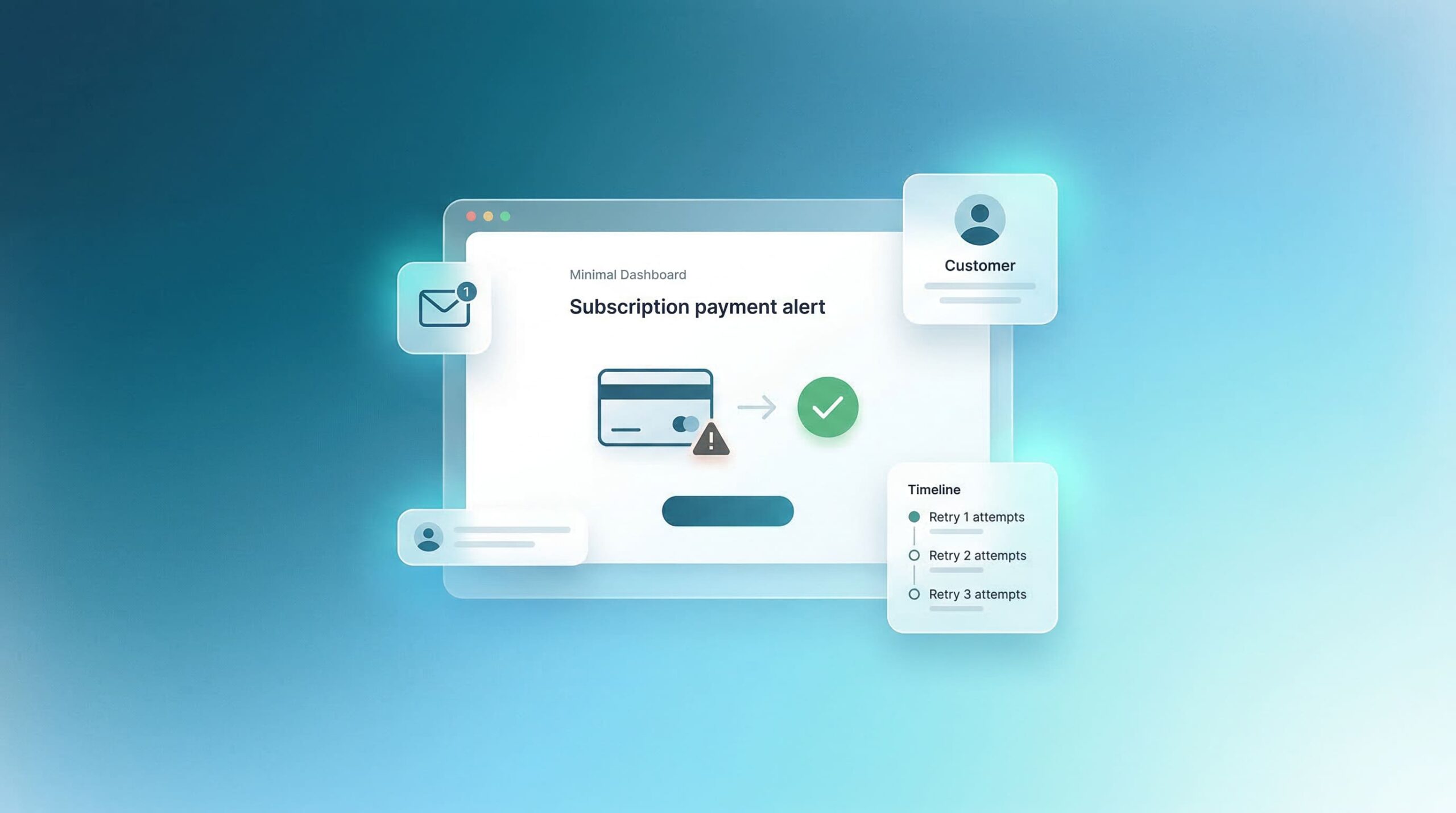
The ideal sequence: an initial email within an hour of the failure, a follow-up on day 2, and a manual intervention if necessary on day 4.
What sets a good follow-up email apart from a bad one
A poorly written payment reminder email reads like a collection letter: cold, formal, and focused solely on the financial issue. A good template for a failed payment email does the exact opposite: it’s friendly, focused on ensuring the customer’s continued service, and minimizes friction as much as possible with a one-click update link. Tone matters just as much as timing.
5 email templates for failed payments to copy
The full 8-day program
Here’s how to apply your 5 models over an 8-day period:
| Day | Channel | Trigger | |
|---|---|---|---|
| Day 0 | Model 1 – Immediate notification | Automatic | Stripe payment failed |
| Day 2 | Model 2 – Gentle reminder | Automatic | Payment still pending |
| Day 3 | Template 5 – Human email | Manual | Priority customers (high MRR) |
| Day 5 | Template 3 – Last chance | Automatic | Payment still pending |
| Day 8 | Model 4 – Post-suspension | Automatic | Account suspended |
Template 1 – First email: immediate notification (Day 0)
When to send it: within an hour of the failure.
Goal: to inform without causing alarm.
Tone: caring, straightforward.
Template 2 – Second follow-up: gentle reminder (Day 2)
When to send it: 48 hours after the first email if payment hasn’t been processed.
Tone: friendly, slightly more direct.
Template 3 – Third reminder: final chance before suspension (Day 5)
When to send it: 5 days after the initial failure.
Tone: direct, factual, but always considerate.
Template 4 – Post-suspension email: Reactivation (Day 8)
When to send it: a few days after the account has been suspended.
Tone: brief, direct, and non-confrontational.
Template 5 – Personalized email for high-value customers (Day 3, sent manually)
When to send it: 3 days after the cancellation, for your priority customers (high MRR, long tenure). Tone: personal, brief, and non-salesy.
How to incorporate these templates into your follow-up sequence
Golden rules for maintaining good customer relationships
- Never send more than 4 automated emails. Sending more than that risks triggering spam reports. If 4 emails weren’t enough, either human intervention is needed or the customer has genuinely decided to leave.
- Always include a one-click update link. Friction is the enemy of recovery. The more steps your customer has to take to resolve the issue, the less likely they are to do so.
- Adjust your tone based on how long the customer has been with you. A customer who has been loyal for 18 months deserves a different message than one who signed up three weeks ago.
- Offer an alternative before the deal is closed for good. A downsell, a free month, or an extended payment term is always better than losing the customer for good.
How to customize these failed payment email templates for your specific situation
These templates serve as a starting point. To make them truly effective, customize them with the exact name of your product and your first name, the exact payment amount, the actual length of your grace period, and pre-filled update links containing the customer’s information—if your technical stack allows it.
Automate your follow-up process for failed payments
Stripe: What the platform does natively
Stripe’s Smart Retries feature automatically attempts to reprocess payments at optimal times. However, it does not handle customer communication or the customization of messages based on risk profiles. For email communication, you’ll need to connect Stripe to your email marketing tool (Brevo, Customer.io, ActiveCampaign) via a webhook. For more information, see Stripe’s official documentation on revenue recovery.
Take it a step further: cross-reference payment data with your other data
A payment failure email template becomes even more effective when it takes into account the customer’s overall context, rather than just the payment failure itself.
A customer who hasn’t opened your app in 15 days AND whose payment has just failed is not in the same situation as a customer who uses the app daily but is experiencing the same technical issue. The former needs a message that combines a reminder with a call to re-engage. The latter just needs the update link.
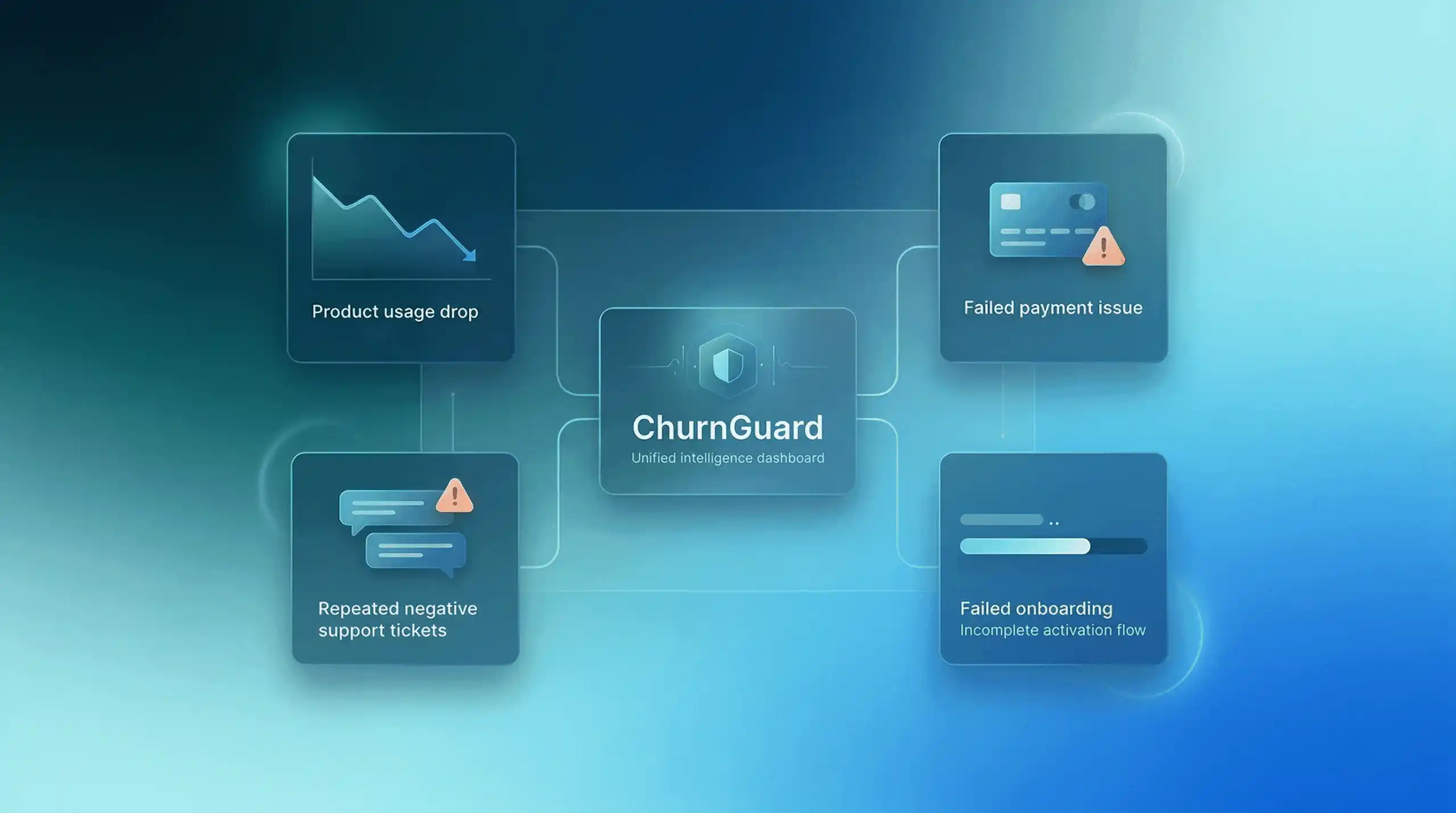
But when you have 50 or 100 customers, it’s impossible to make this distinction manually. That’s why we created ChurnGuard: connect Stripe, your product database, and your support tool in just a few minutes, and ChurnGuard automatically identifies your at-risk customers, ranks them by urgency, and tells you what to do to maximize your chances of retaining them.
So, where do I start?
These email templates for failed payments are available starting today. Start by implementing the first three in your email marketing tool: it takes less than an hour and could have a significant impact on your monthly recurring revenue.
Unintentional churn is the easiest to recover from. It doesn’t require you to overhaul your product, pricing, or positioning. It just requires the right message, at the right time, with the right link.
And if you want to understand all the retention strategies available, our article “How to Reduce Churn in 2026: 5 Key Strategies” will give you a comprehensive overview of the actions you should prioritize.