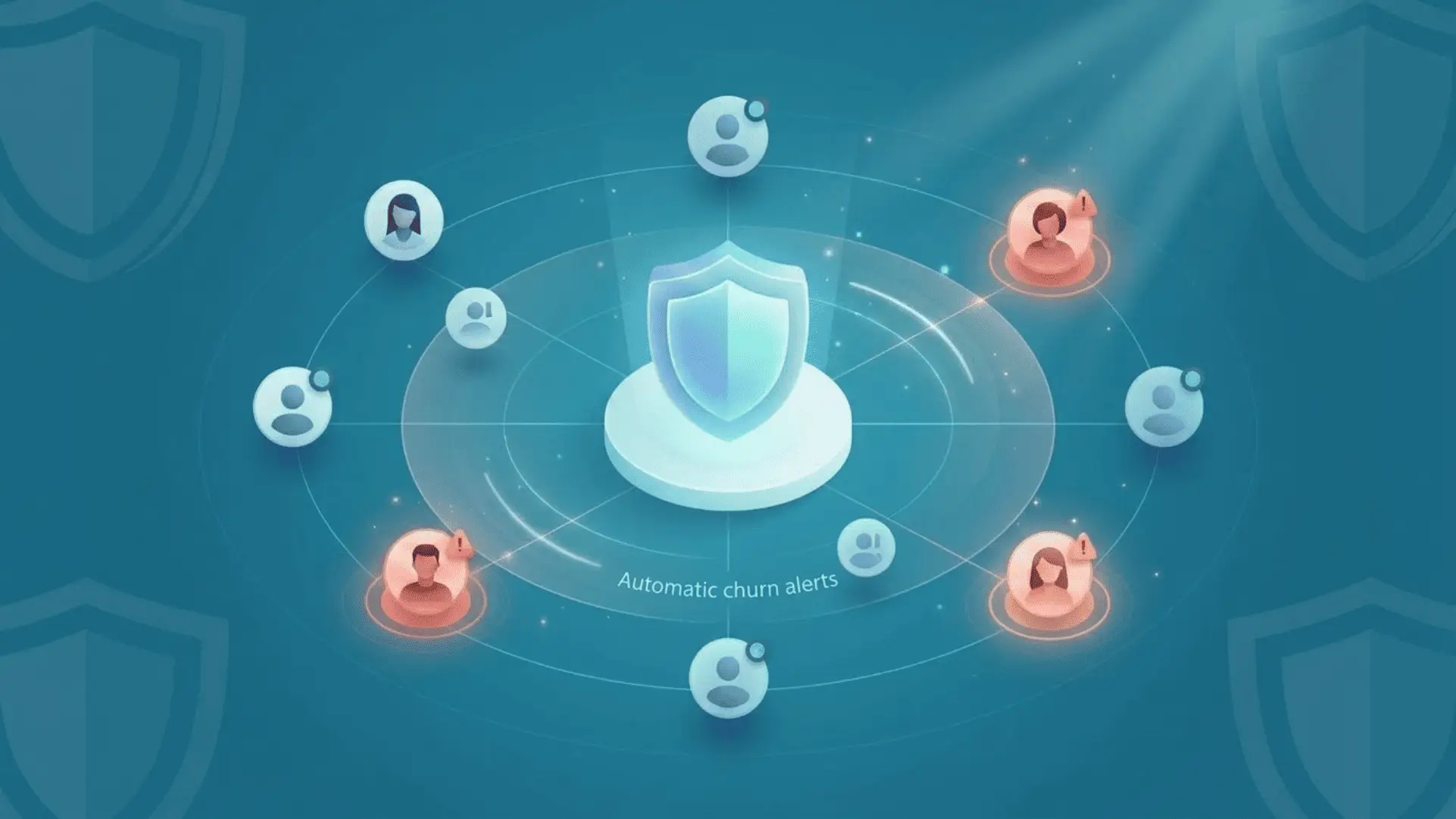
Your customer has just canceled their subscription. You open your dashboard: they hadn’t used the product in six weeks. The warning sign was there, clear and actionable. But no one spotted it in time. No automatic churn alerts.
This scenario plays out for hundreds of SaaS companies every month. According to a Bain & Company study, a company loses an average of 20 to 40% of its customers each year, often without any warning. What sets SaaS companies that effectively manage churn apart from the rest? An automated churn alert system that identifies at-risk customers before they cancel, not after.
This guide reviews the types of signals to watch for, the tools that detect them automatically, and the errors that render these alerts useless.
1. Why manual alerts are no longer enough to detect churn
The problem with static dashboards and monthly reports
Most SaaS companies track their churn using monthly reports or dashboards updated daily. The problem is that by the time you look at this data, the warning signs of customer churn are often already 2 to 4 weeks behind. You’re looking in the rearview mirror, not through the windshield.
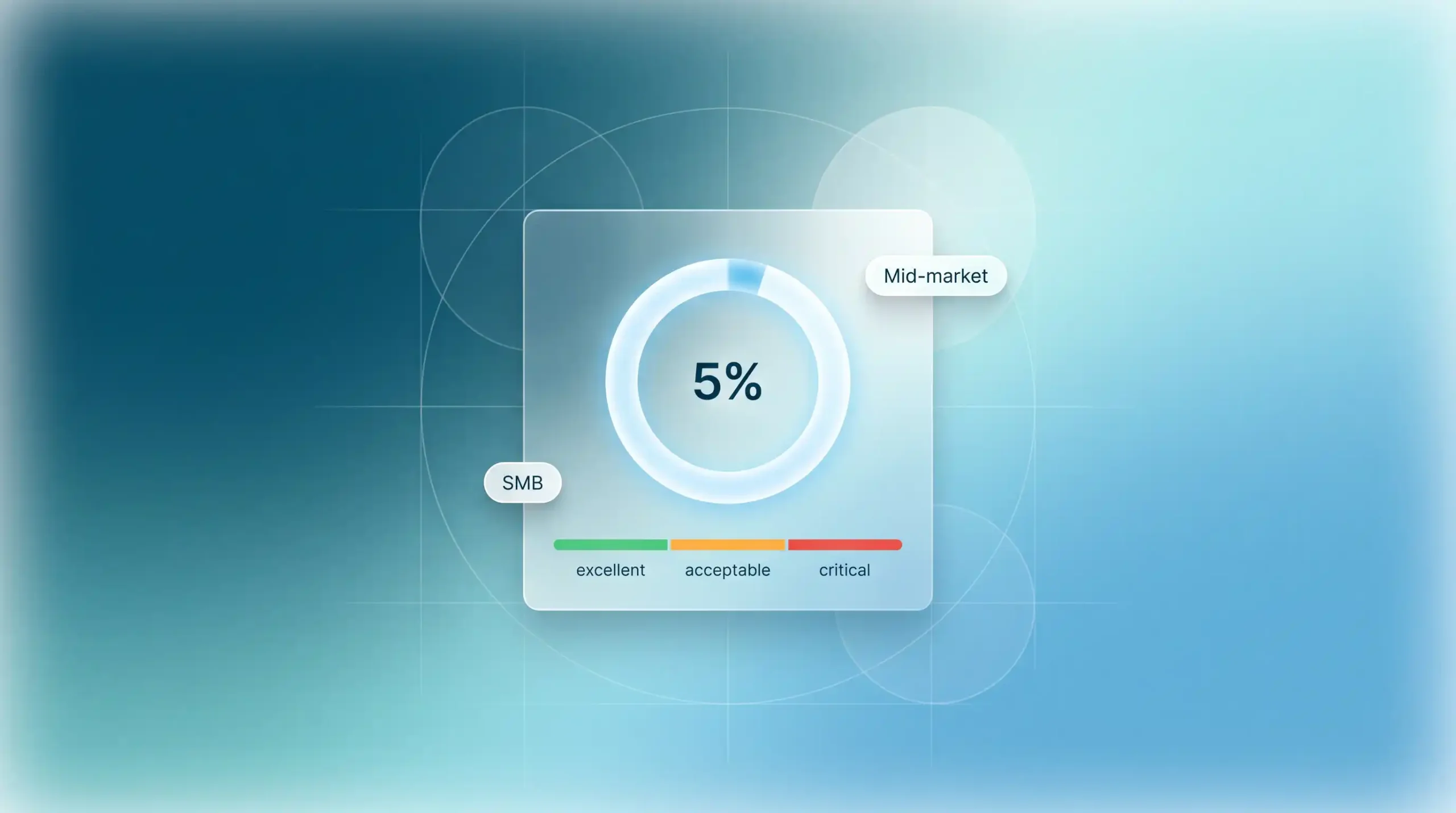
A dashboard that tells you “your churn rate last month was 5%” doesn’t help you retain customers who are leaving today. Historical analytics are useful for understanding trends, but they’re completely inadequate for preventing cancellations that are already happening.
According to a Harvard Business Review study, acquiring a new customer costs between 5 and 25 times more than retaining an existing one. Every customer churn you fail to anticipate comes with a real, measurable, and avoidable cost.
If you’d like to learn more and understand why retaining a customer is less expensive than acquiring a new one, you can read our dedicated article.
The window of opportunity: why every hour counts
Behavioral signals that precede churn typically appear 30 to 90 days before the actual cancellation. This is your window of opportunity. The earlier you detect these signals, the more time and options you have to take action.
But this window closes very quickly. A customer who hasn’t logged in for three weeks can still be re-engaged with the right message. The same customer who has been inactive for six weeks has likely already considered alternatives. By the tenth week, their decision is often already made.
SaaS providers that respond within 24 hours of a critical alert are, on average, three times more likely to retain the customer than those that wait for the weekly report. Real-time detection isn’t a luxury—it’s a direct competitive advantage.
The cost of delayed (or missed) detection
Let’s break it down: if your SaaS has 200 customers paying $99/month and a monthly churn rate of 5%, you lose 10 customers per month, which amounts to $990 in MRR. If an automated alert system allows you to recover just 30% of that churn, that’s 3 customers saved per month, or $3,564 in annual MRR preserved.
The cost of a missed opportunity goes beyond simply lost MRR. You must also factor in the cost of replacement (the CAC required to acquire a new customer instead), lost revenue from potential upgrades (a customer who stays for three years might have upgraded), and the negative word-of-mouth from an unsatisfied customer who leaves without receiving proper support.
| 💡 The 30-Day Rule: A customer who shows an initial sign of churn and is not contacted within 30 days has a 60% chance of canceling within the next 60 days. After this period, retention efforts cost 2 to 3 times more, with a success rate that is half as high. |
2. The types of signals detected by automated churn alerts
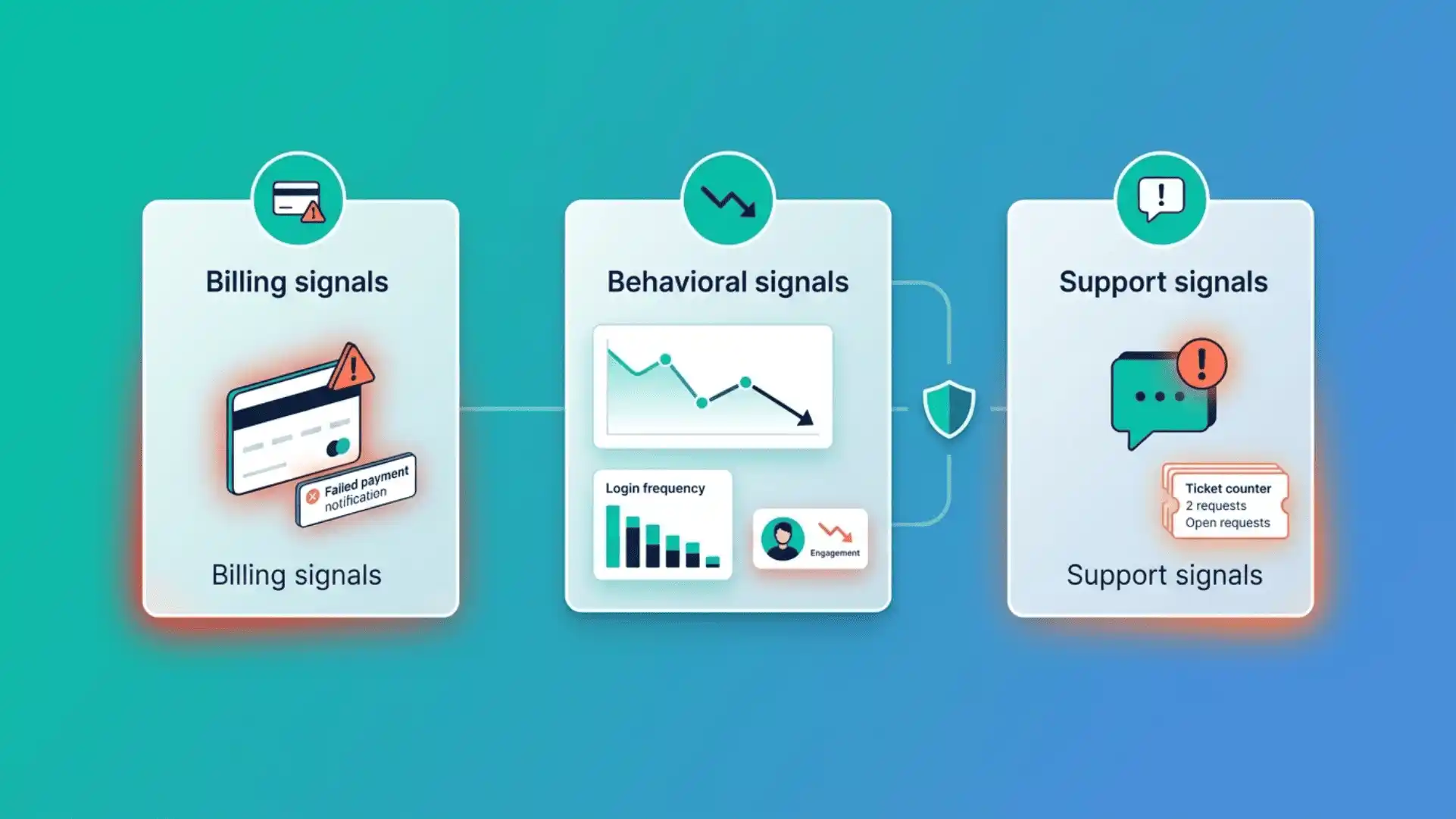
The 3 components of actionable automatic churn alerts (signal, context, action)
Not all alerts are created equal. A useful churn alert must include three elements to be actionable:
- 1. The signal: the event or trend that triggers the alert (payment failure, drop in usage, negative review). Without a specific signal, the alert is too vague to take action.
- 2. Context: information about the customer in question (MRR, tenure, usage history, current plan). Without context, it’s impossible to prioritize and tailor the message.
- 3. Recommended action: the specific response to take (what message to send, through which channel, and with what value proposition). Without action, the alert remains nothing more than a piece of information.
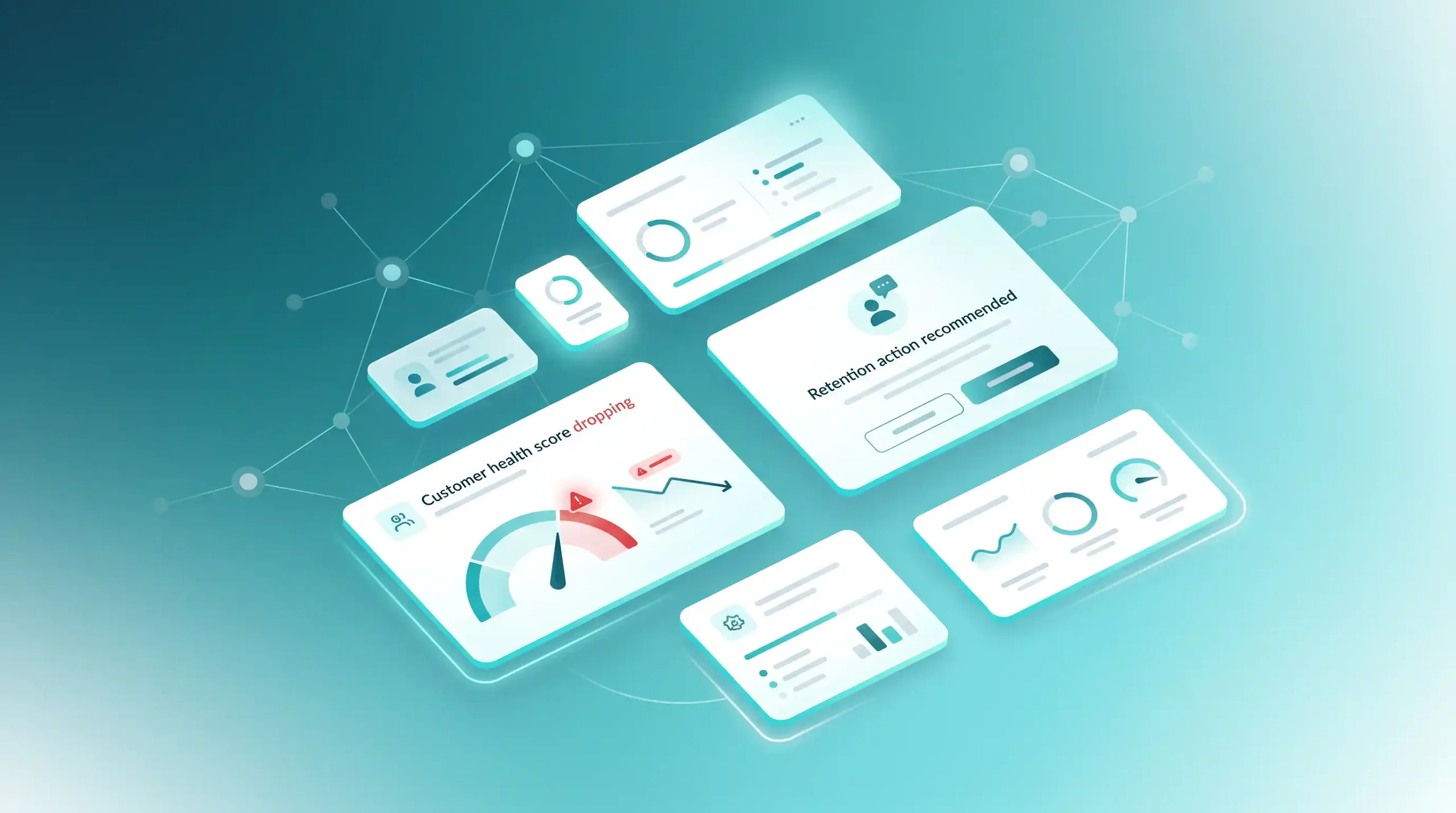
Most tools on the market cover the first two elements but overlook the third. You know a customer is at risk, but you don’t know what to do about it. ChurnGuard, for example, is designed to address all three components: each alert comes with a recommended action tailored to the detected signal.
Billing alerts: payment failures, downgrades, imminent cancellations
Billing alerts are the easiest to spot because they’re directly accessible through your payment tool (Stripe, Paddle, Chargebee). They’re also often the most urgent.
- Failed payment: an early warning sign that should be addressed within 24 hours
- Repeated failure (2nd or 3rd attempt): critical risk, human intervention required
- Plan downgrade: a strong signal of a perceived imbalance between value and price
- Access to the cancellation page: explicit intention to cancel, last chance to intervene
- Non-renewal of annual subscription: alert notifications 30 days, 14 days, and 7 days in advance
According to ProfitWell data, involuntary churn (due to missed payments) accounts for 20% to 40% of total churn. This is often the easiest segment to recover with the right automated alerts and follow-ups.
Behavioral indicators: decline in usage, prolonged inactivity, discontinued features
Behavioral signals are more subtle but often more predictive than billing signals. They reflect a gradual disengagement that precedes the decision to cancel by several weeks.
- Reduction in the number of weekly sessions (e.g., from 5 to 1 session per week)
- Prolonged lack of activity (e.g., no activity for 14 consecutive days)
- Removal of key features used on a regular basis
- Reduction in the volume of tasks completed (reports generated, leads processed, projects created)
- Failure to use new features after onboarding
To detect these signals automatically, your alerting tool must connect to your product analytics platform (Mixpanel, PostHog, Amplitude) or directly to your database. Without this connection, you have no insight into your customers’ actual behavior.
Key indicators: frustration tickets, negative NPS, response time
Customer history is an underutilized goldmine for detecting churn. Certain signals serve as highly reliable leading indicators:
- A sudden increase in tickets over a short period of time (3 tickets in 7 days)
- Tickets containing frustration markers (“always,” “again,” “incomprehensible”)
- NPS below 6 (detractors) without follow-up from your team
- No contact from customer support for several months (radio silence leading up to the release)
- Ticket open and unresolved for more than 48 hours
According to a Bain & Company study, a customer who is dissatisfied with their support experience is four times more likely to churn than a satisfied customer, even if the initial product issue was minor. The quality of the response to the issue matters just as much as detecting it in the first place.
3. The best tools for automatic churn alerts in 2026
ChurnGuard: Automatic real-time churn alerts with recommended actions
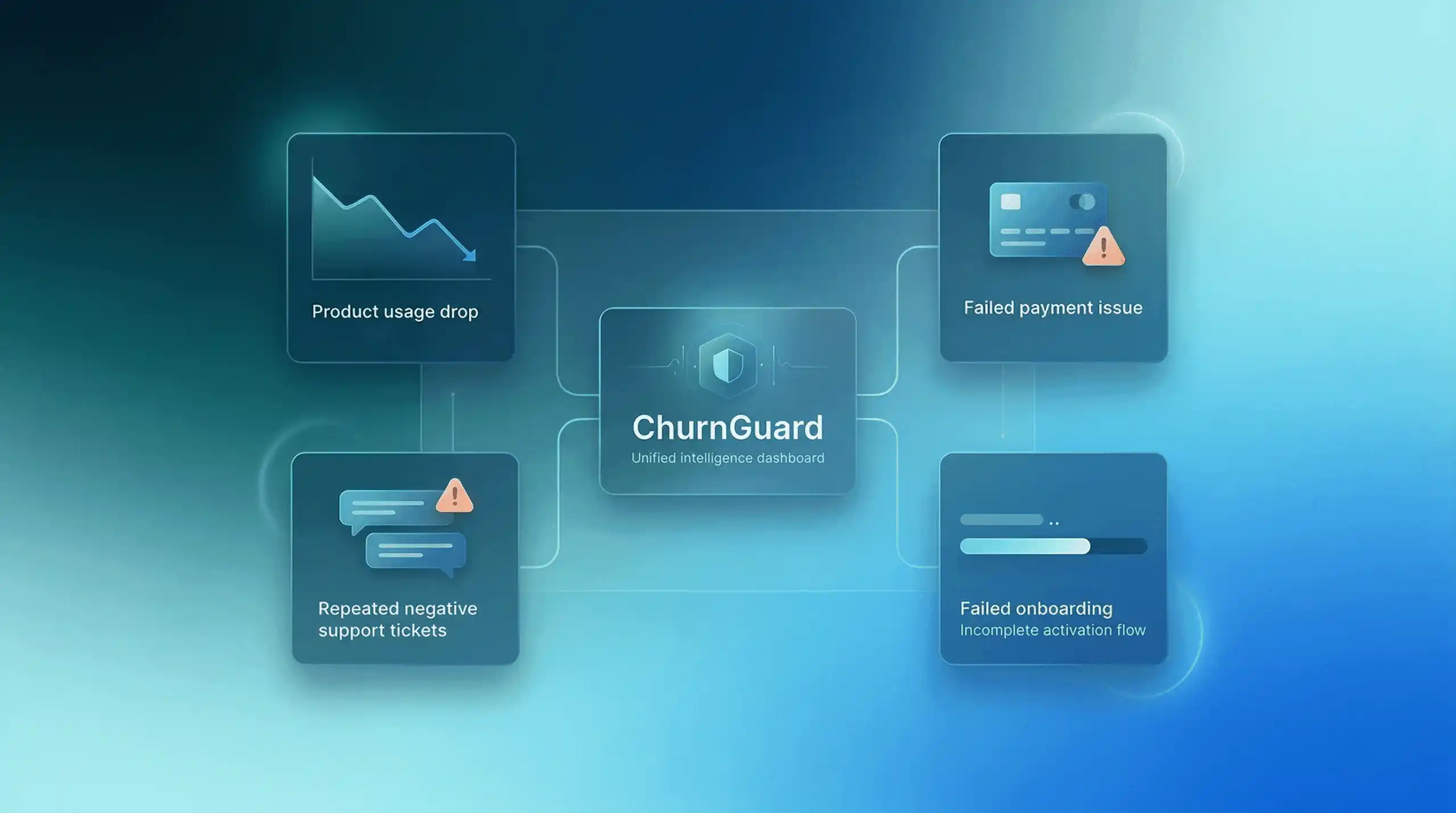
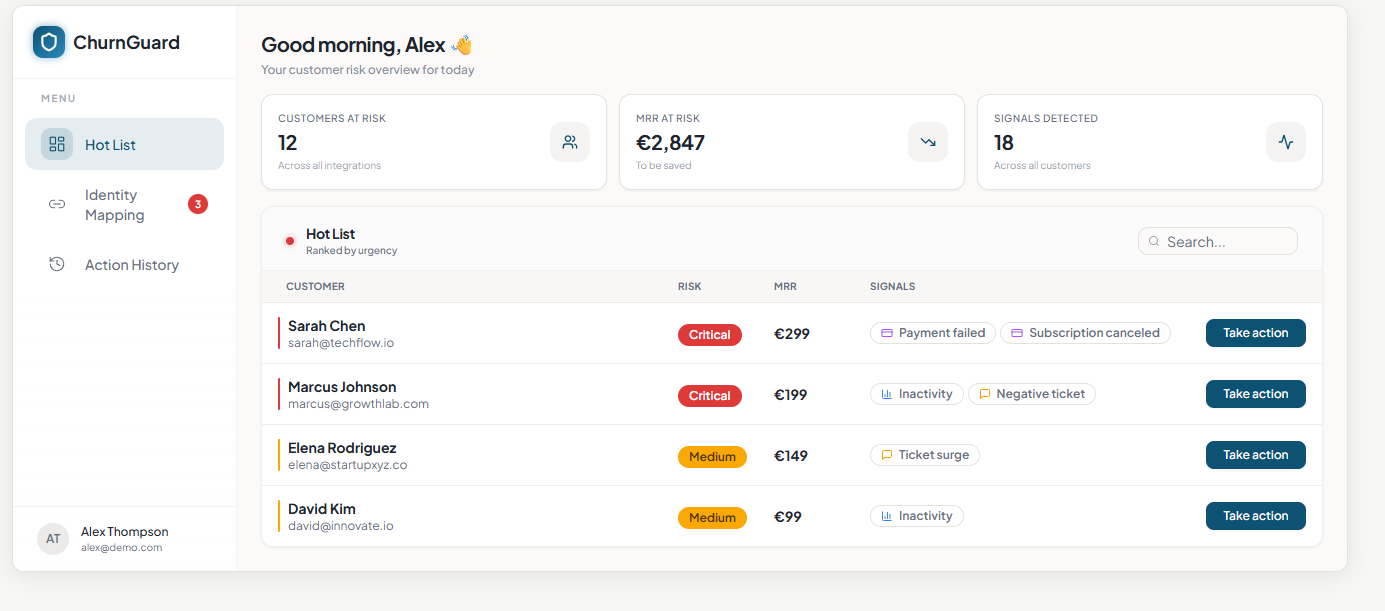
ChurnGuard is the most comprehensive churn alert tool for French SaaS companies in the early-stage and growth phases. It aggregates billing data (Stripe), behavioral data (databases, analytics), and support data (Zendesk, Gmail) to generate a real-time risk score for each customer.
The key difference from other tools is that each alert comes with a recommended immediate action. It’s not just “this customer is at risk,” but “this customer has just missed their second payment; here’s the message to send them within the next few hours.” The alert is immediately actionable, even without a dedicated Customer Success team.
Key features: automatic real-time churn alerts based on three types of signals, context-specific recommended actions, setup in under 10 minutes, tracking of retention actions, free for up to 200 connected paying customers, with pricing starting at $99/month,
Baremetrics: Basic email alerts for cancellations and payments
Baremetrics is primarily a SaaS financial analytics platform (MRR, ARR, LTV) that offers some basic alert features. It sends email notifications in the event of cancellations, payment failures, or downgrades.
Limitations: Alerts are purely reactive (you are notified of the termination when it occurs, not beforehand). No integration with product usage or support. No recommended actions. Billing alerts often arrive too late to take effective action.
ChurnZero: Configurable alerts via health scoring
ChurnZero is a comprehensive Customer Success platform with an alert system based on health scoring. You set up rules (“alert if the health score drops below X”), and playbooks are triggered automatically.
Limitations: Configuring alert rules is complex and requires several weeks of setup. The tool is overkill for SaaS companies without a customer support team. Alerts are only as effective as the rules you define, which requires significant domain expertise upfront. High pricing (> $1,500/month).
ProfitWell Retain: specialized alerts for dunning and involuntary churn
ProfitWell Retain (Paddle) focuses exclusively on alerts and workflows related to involuntary churn: payment failures, expired cards, and billing issues. Its automated dunning system triggers optimized follow-up sequences to recover failed payments.
Limitations: Scope is strictly limited to involuntary churn. No alerts are triggered by behavioral signals or support interactions. If your churn is primarily voluntary (disengagement, dissatisfaction), Retain will not be of help. Use it as a supplement to a tool like ChurnGuard, not as a replacement.
Mixpanel/Amplitude: Custom behavioral alerts (for technical teams)
Mixpanel and Amplitude are product analytics tools that allow you to set up alerts based on user behavior (such as a decline in feature usage or the identification of inactive user cohorts). These alerts require advanced technical configuration.
Limitations: Alerts are based solely on behavioral signals; they do not cover billing or support. Configuration requires data and product expertise. No recommended action: You receive an alert but must determine the response yourself. This tool is best suited for technical teams, not founders without a data analyst.
4. Automatic churn alerts: mistakes to avoid
Too many alerts make them ineffective (the problem of noise)
The most common mistake when setting up churn alerts is to detect everything without prioritizing. If your tool sends 50 alerts a day, your team will eventually ignore them all. Alert fatigue is a real and well-documented phenomenon: once the volume of notifications exceeds a certain threshold, the response rate plummets.
The solution: limit alerts to high-impact signals (customers with MRR > threshold, multiple combined signals, customers in the red zone), and differentiate between severity levels (critical = immediate action, warning = increased monitoring, informational = archiving).
| ⚠️ General rule Aim for a maximum of 5 to 10 critical alerts per day for a customer base of 100 to 200 clients. Any more than that, and you’re creating noise rather than value. It’s better to have 5 alerts that are acted upon than 50 alerts that are ignored. |
Alerts without recommended actions: detection alone is not enough
Knowing that a customer is at risk without knowing what to do about it is almost as useless as not knowing they’re at risk in the first place. Yet that’s how most alert tools on the market work: they detect, they alert you, and then leave you to figure out the rest on your own.
An effective alert must trigger a predefined response: what message to send to an inactive customer, what offer to propose to a customer experiencing payment difficulties, and what customer service intervention to initiate for an account in the red zone. Without this level of guidance, alerts rarely translate into concrete action, especially in small teams without formalized processes.
Ignoring segmentation: Not all at-risk customers are the same
Treating an alert for a customer paying $29/month with the same urgency as an alert for a customer paying $499/month is a prioritization error that wastes time and energy. Your alert system must factor in the account’s value to adjust the urgency level and the type of response.
Segmentation must also take into account tenure (a two-year customer at risk warrants more attention than a 15-day customer), growth potential (a customer on a basic plan showing signs of growth should be handled differently from a customer on a premium plan), and the type of signal (unintentional vs. intentional).
Failing to measure the effectiveness of your alerts (response conversion rate)
Setting up churn alerts without measuring their effectiveness is like driving blind. How many alerts triggered an intervention? Of those interventions, how many succeeded in retaining the customer? What type of alert yields the highest recovery rate?
Without this data, you can’t optimize your system. Perhaps your billing alerts have a 60% resolution rate, but your behavioral alerts never result in any action. This information is critical for refining your thresholds, response messages, and time allocation.
Conclusion
Automated churn alerts aren’t just a gimmick—they’re essential to a proactive retention strategy. Without them, you’re managing churn reactively, only discovering customer departures after they’ve already happened.
The key isn’t to have more alerts, but better alerts: signals detected early, put into context based on the account’s value, and accompanied by an immediate recommended action. That’s the difference between a system that creates value and one that creates noise.
To learn more about building a comprehensive retention strategy, check out our comparison of the best SaaS anti-churn tools and our comprehensive guide to SaaS churn and attrition.