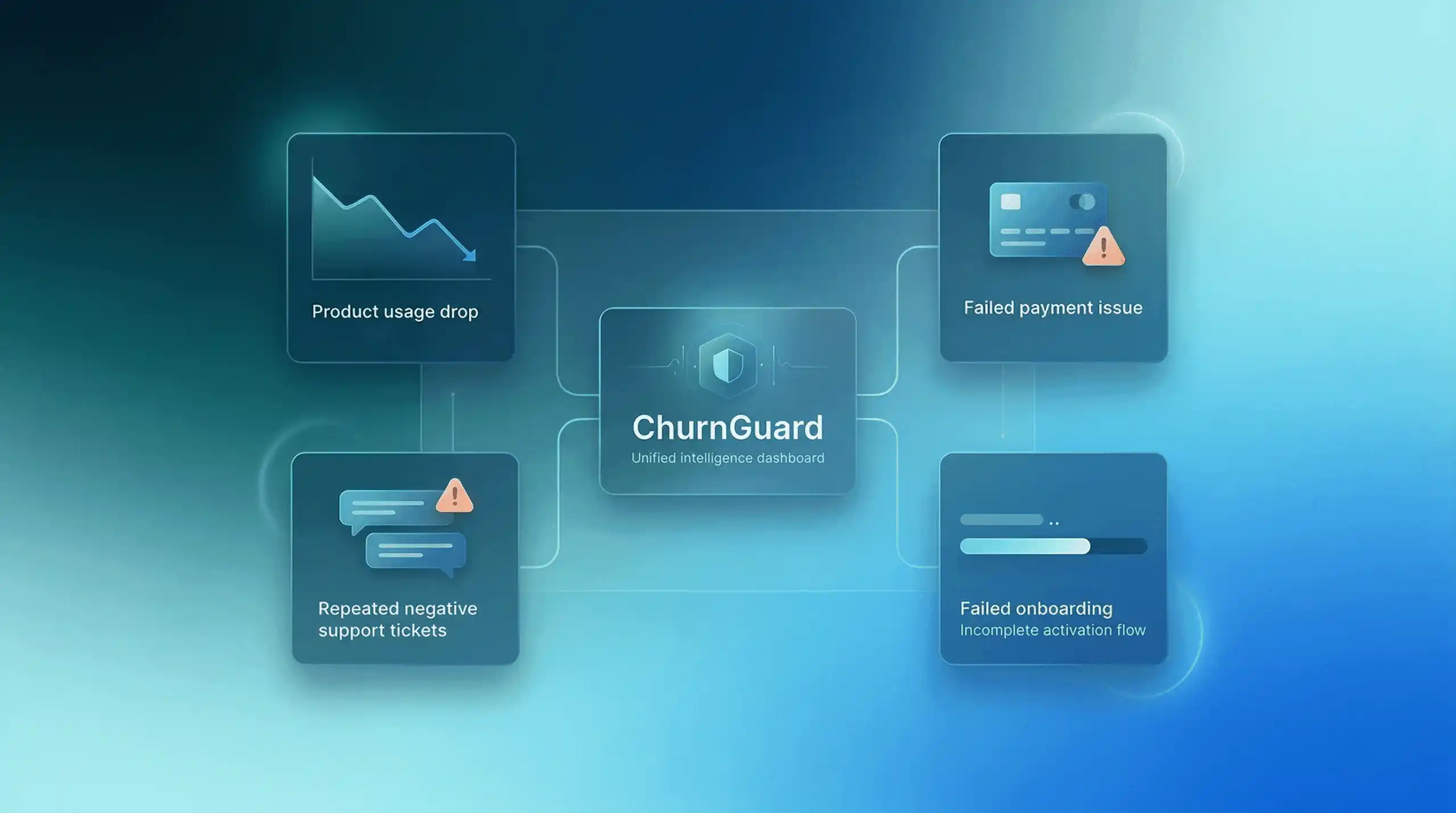
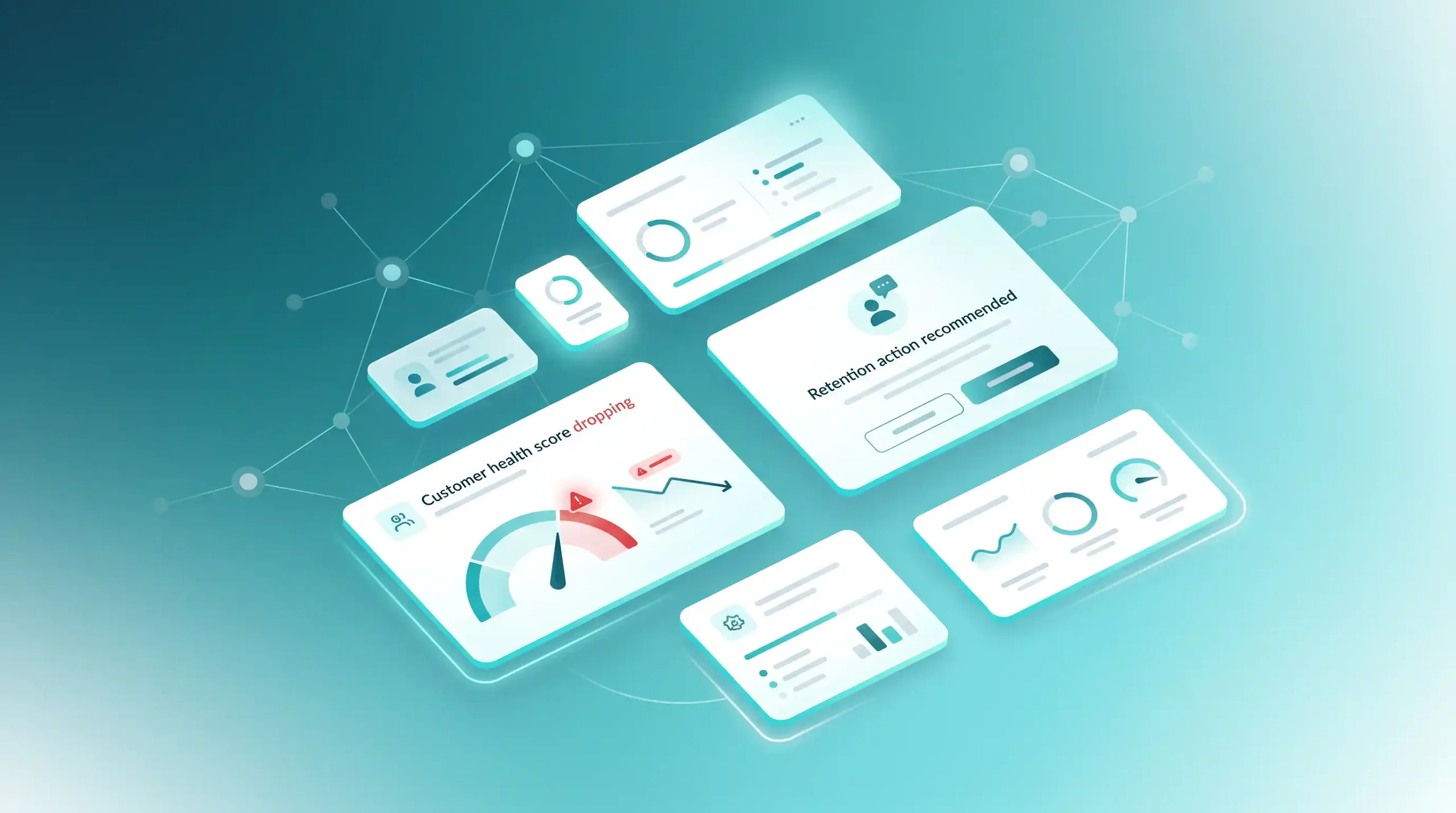
In the world of SaaS, churn rarely comes as a surprise. It’s the culmination of a series of subtle warning signs: a customer logging in less frequently, a failed payment, or a growing backlog of support tickets. The challenge isn’t spotting these signs, it’s knowing exactly what to do when they appear.
This guide is an operational playbook. For each of the four most common SaaS churn signals, you’ll find a step-by-step sequence of concrete actions, along with the messages to send and the decisions to make.
If you’re looking for an overview of core strategies to sustainably reduce your churn rate, check out our article “How to Reduce Churn in 2026: 5 Key Strategies.“ This guide serves as a practical supplement to that article.
Sign 1 — The customer is no longer using your product
High Risk:Declining Usage
Typical alert threshold: 0 logins in the last 10–14 days (for a weekly-use SaaS) or a drop in frequency of more than 50% over 3 weeks.
1 Don’t immediately trigger a sales call. That’s the first mistake: the customer feels like they’re being watched. Wait three days after detecting the signal.
2 Send a valuable email, not a follow-up email. Example: “We released a feature this week that might interest you / here’s a customer case study similar to yours.” Goal: to reopen the door without applying pressure.
3 If there’s no response by day 7, send a short, direct message from a human name (not noreply@). “You seem less active lately—is something holding you back?” The response rate to this type of message often exceeds 30%.
4 If there is a response: address the reason immediately (bug, lack of time, perceived value issue) and propose a 15-minute call with a specific objective, not just a “status update.”
5 If still no response by day 14: offer targeted value (free training session, usage audit, temporary access to a premium feature).
What you should definitely avoid doing
Sending a generic automated email sequence along the lines of “We miss you!” is counterproductive. Customers know it’s automated. It doesn’t generate responses, it leads to unsubscribes from your newsletter. Personalization based on the customer’s specific context (their industry, past usage, and situation) makes all the difference in reducing churn for your SaaS business.
Signal 2 — Payment failed
Unintentional churn:Payment failure
Alert threshold: as soon as the first payment fails. Unintentional churn accounts for 20–40% of total SaaS churn. It’s the easiest to recover, and the one most teams address too slowly.
Day 0 Payment fails → immediate automatic retry (Stripe, Chargebee, or your payment processor handle this natively). Automatic email sent within the hour: link to update payment method, frictionless, non-judgmental.
Day 3 Second retry. Second email, slightly more urgent but still factual: “Your access may be suspended on [date]. Here’s how to update your card in 2 minutes.”
Day 7 Third retry. Email sent from a human name (not an automated address), explicitly stating that the account will be suspended. Offer a call if help is needed.
Day 14: Final retry. Final email. Account suspension announced for Day 7. Important: Do not delete the data; keep it for at least 90 days. Many customers return after suspension if their data remains intact.
Day 21: Suspension takes effect. Send a simple reactivation email with a direct link. Some customers at this stage pay within 24 hours because the suspension has made them realize their dependence on the product.
The classic mistake regarding unintended churn
Waiting too long before taking action. Every day of delay reduces the likelihood of recovery.
According to Stripe, subscriptions recovered after a failed payment continue for an average of seven additional months. This represents significant LTV that shouldn’t be lost simply because of a lack of process.
Signal 3 — The customer opens multiple negative tickets
Active frustration:Accumulation of negative tickets
Alert threshold: 2 negative tickets (critical bug, expressed frustration, unanswered request) in less than 30 days. Paradoxically, a customer who is still complaining is a customer who wants things to work.
1 Escalate immediately to a senior team member (founder, head of CS). Do not leave these tickets in the standard support queue. The speed of response at this stage is the signal the customer is waiting for to decide whether to stay or leave.
2 Respond by explicitly acknowledging the problem, without jargon or vague excuses. “You’re right, it shouldn’t have happened this way. Here’s what we’re doing now:” is more effective than “We’re sorry for the inconvenience.”
3 Offer to call within 24 hours to resolve the issue in real time. Not in 3 days. Not “whenever you’re available.” The sense of urgency you demonstrate is proportional to the value you place on this customer.
4 After resolution: send a summary of what has been fixed or what will be fixed, with a date. This turns a negative experience into proof of reliability.
5 30 days later: proactively check that the situation is stable. A simple two-line message. This unexpected follow-up often generates spontaneous customer testimonials.
What repeated negative test results often hide
A customer who opens multiple tickets in a short period of time doesn’t necessarily have a product issue. They often have an adoption issue: they aren’t using the product in the right way for their specific use case. This is valuable information. Use the call to reassess their needs and reframe the product’s value around what matters specifically to them. This reframing often turns a frustrated customer into an engaged one.
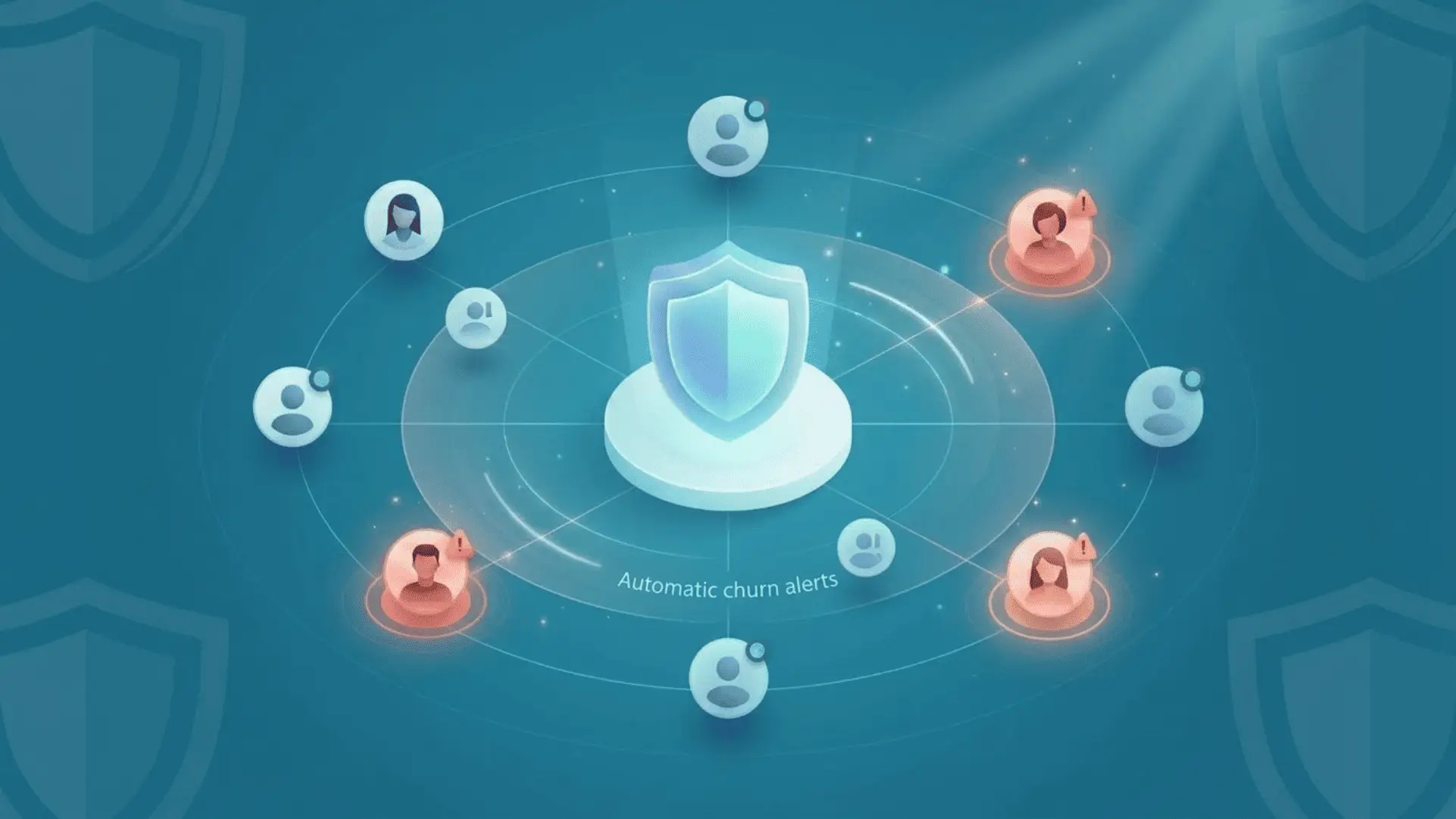
If you manage dozens of customers, manually identifying and addressing each of these signals quickly becomes unmanageable. ChurnGuard connects your billing system, product database, and support tool in just a few minutes, then automatically identifies your at-risk customers and tells you what to do to maximize your chances of retaining them, exactly like the playbook above, but triggered automatically for each customer.
Signal 4 — Activation never actually took place
Failed onboardingActivation failure
Alert threshold: The customer has not reached their “aha moment” within the first 14 days, has not configured key features, has not performed their first value-driven action, or has not invited any colleagues.
Day 3 : Check onboarding progress. If the customer is stuck on Step 1, this is a critical red flag. Send a targeted support email addressing the specific step where they’re stuck, not a generic “here are our resources” email.
Day 7 If still no activation: offer a 20-minute live onboarding session. Present it as a personalized session, not as support. “I’ll take 20 minutes to set everything up with you based on your specific situation” converts much better than a link to a video.
Day 10 During the session: Identify the customer’s primary use case and configure the product for that specific scenario. The goal is for them to leave the call with immediate, visible value—not a promise of future value.
Day 14 Post-session follow-up: a short message asking if the action you took together worked well. This is when the habit begins to form.
Day 30 If activation still hasn’t happened despite everything: ask yourself honestly. Is this the right customer for your product? Chronic activation failure sometimes reveals an Ideal Customer Profile (ICP) issue rather than an onboarding problem.
Why failed activation is the most dangerous sign of churn
A customer who doesn’t become active within the first 30 days is exponentially more likely to churn than a customer who has reached their “aha moment.” Most SaaS companies don’t have a clear definition of what “activation” means for their product: this is the first problem to solve before even discussing SaaS churn signals.
What all these signals have in common
In each of these four scenarios, one thing remains constant: the speed of detection and the quality of the human response within the first 48 to 72 hours largely determine the outcome. A SaaS customer at risk of churning isn’t a lost customer, it’s a customer waiting to see if you can live up to the relationship they thought they were building with you.
Companies that successfully reduce customer churn over the long term don’t do so by offering discounts or sending sophisticated automated emails. They do so by establishing clear processes, setting defined thresholds, and being able to act quickly when the right signals appear.
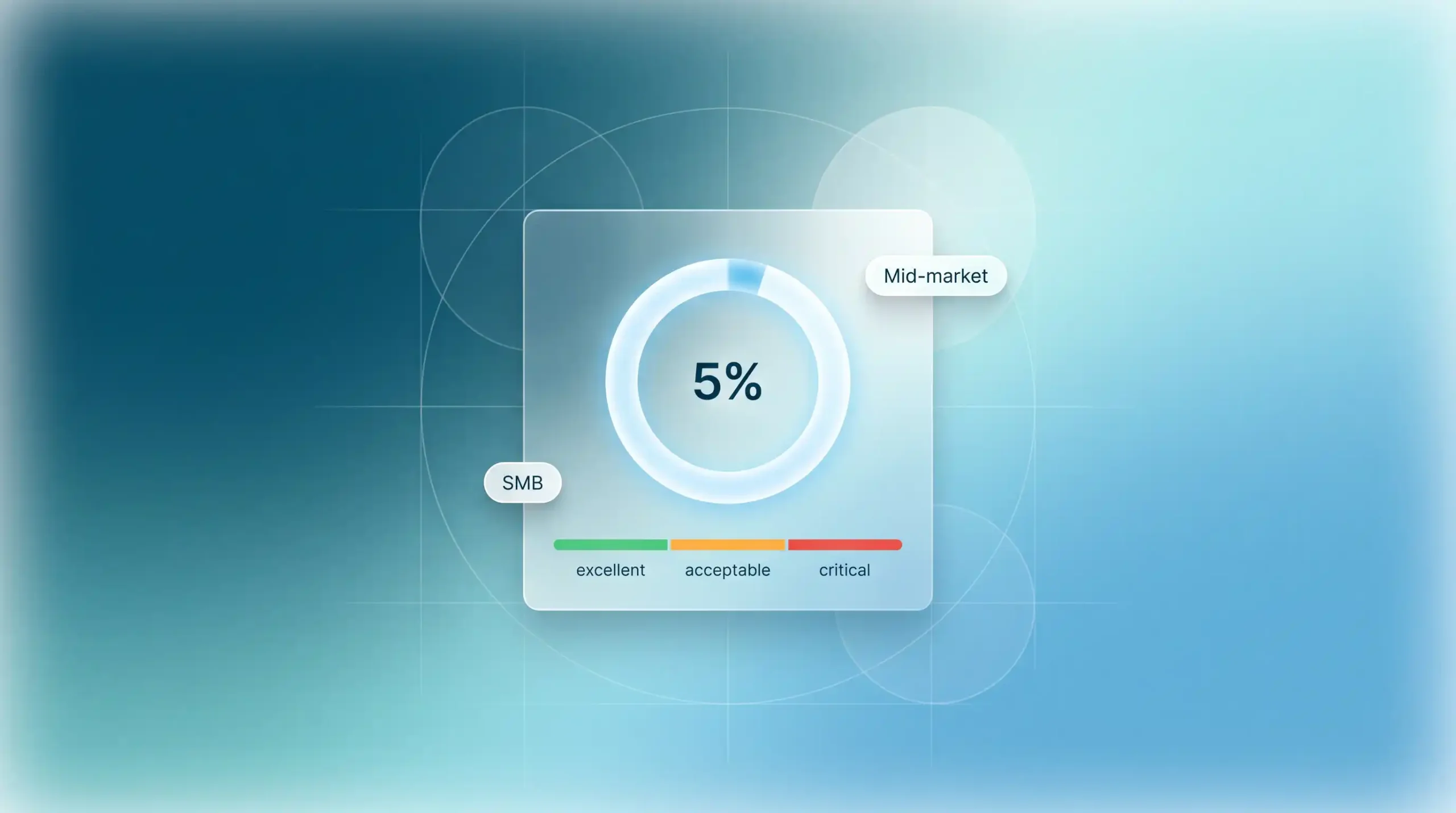
According to data from Bain & Company, a 5% improvement in retention rates can increase profits by 25% to 95%.
The 4 signals and your priority actions
Declining usage: targeted personal message on Day 7, value-added offer on Day 14
Failed payment: retry sequence with gradual escalation over 21 days
Negative tickets: immediate escalation, call within 24 hours, follow-up at 30 days
Failed activation: personalized live session on Day 7, ICP requalification on Day 30
Ready to detect these signals automatically?
ChurnGuard connects your billing tool, product data, and support system to identify at-risk customers in real time and tell you what to do before it’s too late.